jobedutrust
UK eVisa Online Application Guide, Requirements and Process Steps: Apply for Digital Visa Online Now
It is now everywhere and many people have been updated that the UK Visa Application is now online, which is digital, and is referred to as eVisa. Thus, this article would guide you on the steps to apply for the United Kingdom (UK) eVisa, and the requirements and steps to apply for the UK digital Visa are also contained here.
UK eVisa Online Application Guide, Requirements and Process Steps: Apply for Digital Visa Online Now
To apply for UK Visa, you can apply online and confirm if it’s approved or not. Everyone can now do it from the comfort of their home without the stress of going to the Embassy.
What is an eVisa?
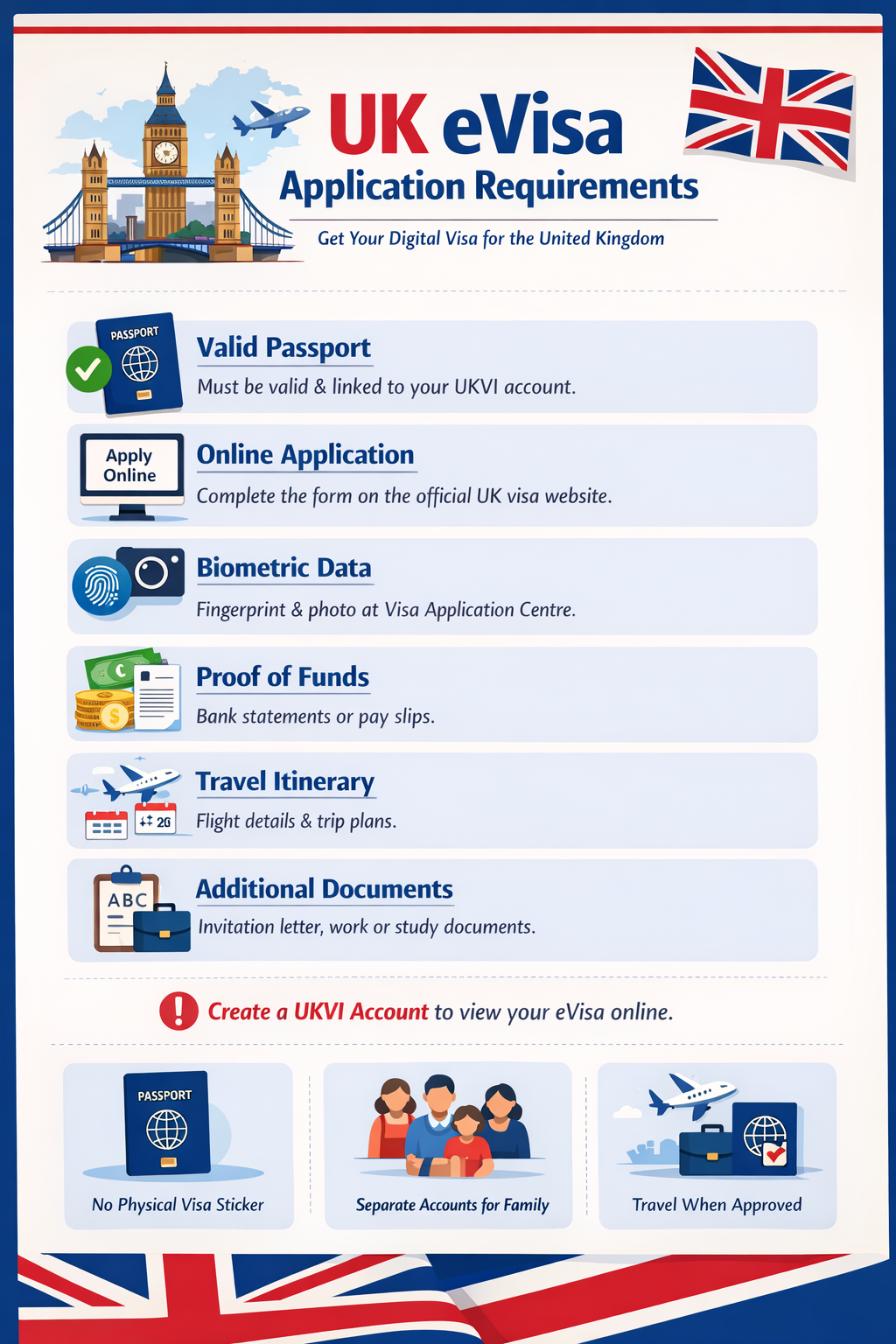
An eVisa is an online record of your immigration status and the conditions of your permission to enter or stay in the UK. You will need to create a UKVI account to access your eVisa.
Updating your physical document to an eVisa does not affect your immigration status or the conditions of your permission to enter or stay in the UK.
In the future, you’ll be able to use an eVisa to travel to the UK – you will not need to carry a physical document, except for your current passport, which must be registered to your UKVI account. Until the end of 2024, you will need to continue to carry your physical document when you travel, if you have one.
Benefits of eVisas
- they are secure and cannot be lost, stolen or tampered with, unlike a physical document
- you will not need to wait for, or collect, a physical document after your application is decided – you might still need to provide biometric information in person, and we will tell you if you need to do this
- it will be quicker and easier to prove your status at the UK border, and share your status with third parties like employers and landlords
An eVisa is a digital record of:
- your identity and immigration status – for example the type of visa you have or if you have indefinite leave to remain (settlement) in the UK
- the conditions of your status – for example if you’re allowed to work or study in the UK
eVisas are replacing physical immigration documents
EVisas have already replaced biometric residence permits (BRPs)ey will also replace:
- biometric residence cards (BRCs)
- wet-ink stamps or vignettes (stickers) in passports
You’ll usually get an eVisa when you successfully apply for a visa or other type of permission to be in the UK.
How to use your eVisa
You can view your eVisa and get a share code to prove your immigration status, for example when you get a new job or rent a home.
You can travel with your eVisa after you add your passport or travel document details.
How to Apply and Access your eVisa
You need a UK Visas and Immigration (UKVI) account to access your eVisa.
You can set up a UKVI account if you do not already have one.
You do not need to pay to set up a UKVI account or access your eVisa.
How to Apply for UK Visas & Immigration
1. Apply: Apply for your visa on gov.uk and, if required, make an appointment at your nearest Visa Application Centre (VAC).
2. Submit Biometrics: Attend your appointment at the Visa Application Centre (VAC). You will be able to take your passport home with you the day you visit the VAC.
3. Create your account: If your visa is granted, create your UKVI account and access your eVisa. Check your details are correct before traveling to the UK
If you are asked, does your Passport have a chip?
For Nigerians, you can say no and put your reference number as saying yes may delay the scanning.

 Pharm Sammy
 Janet Mini